Author: Jeff B

  • Now Taking the Field, The Score app, and Plain Text Sports

    Now Taking the Field, The Score app, and Plain Text Sports

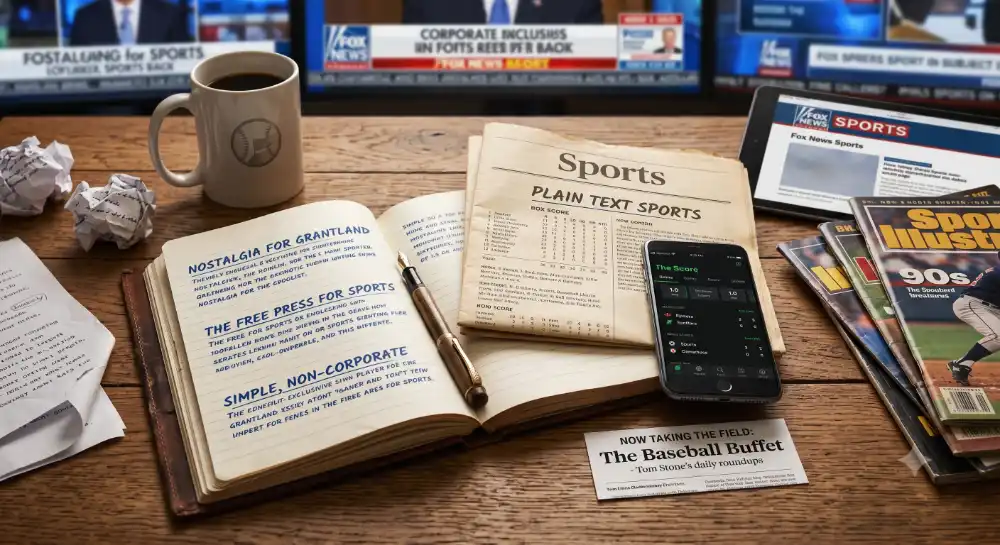
    The absence of Grantland has left a giant cosmic void of sports writing and sports news. It shut down in 2015. Something about the bespoke nature of the site is what made it novel. Whether by design or not, it didn’t feel corporate.

    I’m not against any of the existing sports writing, but it all feels either too corporate, or too algorithmic. Outkick kind of filled that void for a hot minute, but the last time I visited the site it redirected to a subpage of Fox News. My heart sank. Nowadays anything remotely good eventually shuts down or gets gobbled up and spit out by some corporation. It turns to garbage.

    Why can’t I get something a la The Free Press but for sports journalism?

    In the meantime, for sports scores specifically, while not allowing myself to get drawn into the various platforms’ news feeds, I turned to The Score app several years ago. It’s as close to perfection for anything sports I would want. It’s also simple and if there’s one thing I admire is simplicity.

    Discoverd by way of my friend, Brian D. O’Leary, who is over on Substack, some more wonderful sports app nuggets.

    Now Taking the Field

    Tom Stone’s The Baseball Buffet daily roundups are so refreshing. Just give me the scores, anything notable that happened. In fact he says it himself, “Think of it like what baseball fans of a certain age would look forward to in their morning newspaper’s sports section each day!

    As someone who remembers growing up, eagerly anticipating the following morning’s paper to digest the sports section, this certainly fits the bill.

    https://nowtakingthefield.beehiiv.com

    Plain Text Sports

    Related. All I can say is, wow. This is one of the most elegant and simple apps, and I’m glad this guy built it. Just scores, in plain text, the way box scores used to feel in the newspaper.

    https://plaintextsports.com

  • Good HTML First, ARIA Labels Second

    Good HTML First, ARIA Labels Second

    Recently, I had a client request that we incorporate ARIA labels into a web app. If you’re unfamiliar with ARIA labels and web accessibility, I encourage you to read the Web Accessibility Initiative overview on the fundamentals. The Initiative’s aim is to provide standards for making web pages accessible to everyone, and it’s what governments and organizations use to create their digital standards and policies.

    The client wanted to bring the web app in line with their accessibility policy, and noted that there was an alternative text option for images but no aria-label option in the editor. Of course there is the option to use the code editor and clients can add ARIA labels within the code editor.

    As I’m a trial-by-fire operator in the realm of accessibility (WCAG is dense and no one else wants to own it), I had to look it up.

    For links, the visible link text should be descriptive. Avoid terms like, ‘click here’, or ‘read more’. For images the descriptive text lives inside of the alt text field.

    What I learned is that ARIA labels should be used sparingly in cases where proper html cannot express something clearly within the markup. So things like icon only buttons, fancy tabs, dropdown lists and other elements where things can be confusing.

    While ARIA labels are a valid tool, use them as a failsafe where proper html tags aren’t available.

    References:

    https://www.w3.org/WAI/fundamentals/
    ARIA: aria-label attribute – ARIA | MDN
    Accessible name – Glossary | MDN